Texto do livro Pragmatic Version Control, da série The Pragmatic Programmers:
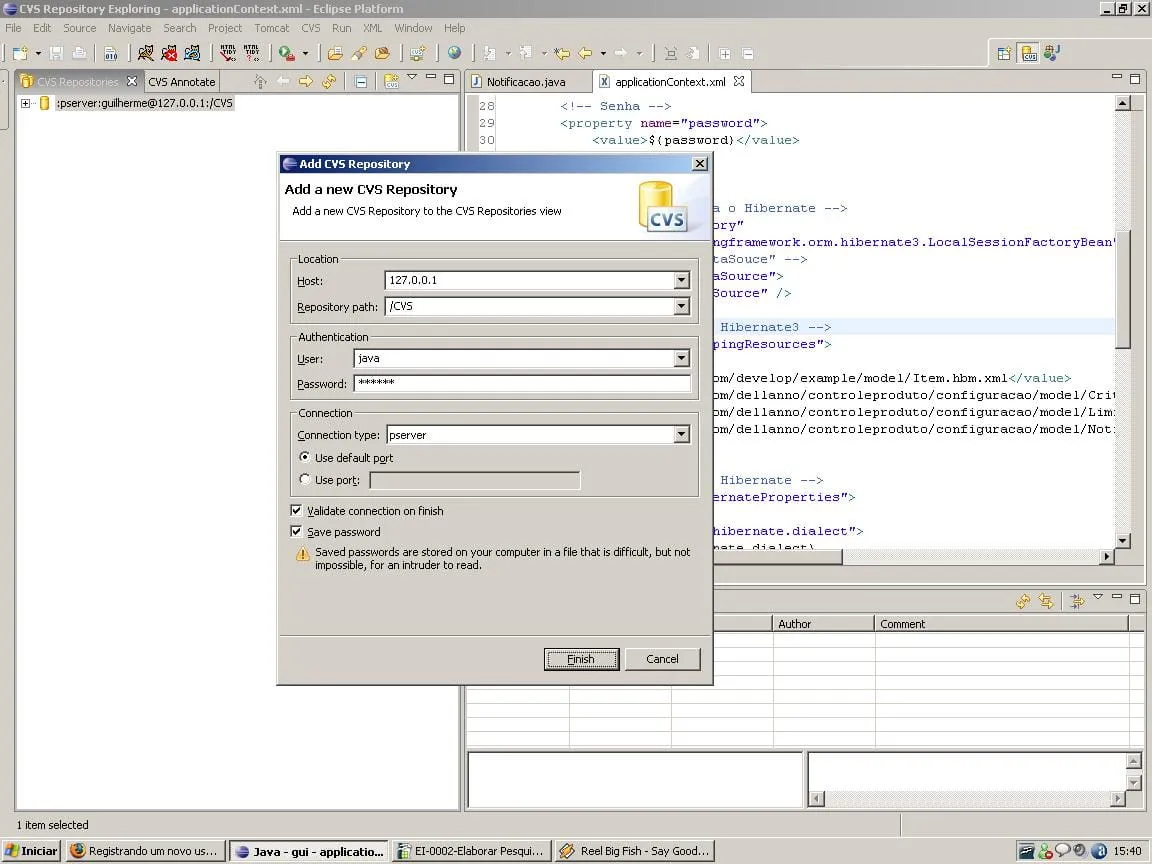
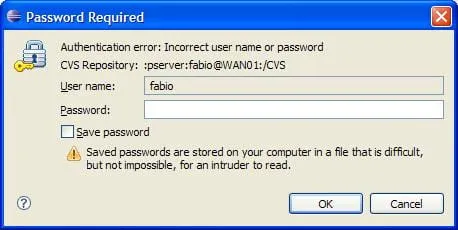
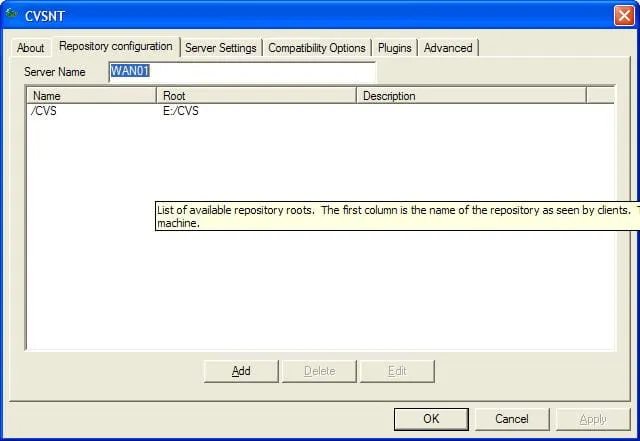
Most remote CVS repositories are accessed using one of two techniques: pserver or external. In pserver mode, CVS runs a server process on the repository machine, and all clients connect to it. In this way, CVS is like a web server or an ftp server: it handles the connection details and manages security. Pserver mode has some advantages:
It is relatively simple to set up.
It can enforce read-only users (people who can check out and update, but not commit changes).
It supports anonymous access (a facility commonly used by open source projects to grant repository access to the unwashed masses).
However pserver mode also has some drawbacks.
It uses its own network port, and many corporate firewalls will not allow this traffic to pass.
It uses very weak encryption of passwords, and file contents are transmitted in cleartext.
It requires separate administration (that is to say, if you already administer remote access for users to the repository box for other purposes, you’ll be duplicating some effort with CVS users).
Because of these issues, we recommend that pserver mode only be used to provide remote, anonymous access to the repository.
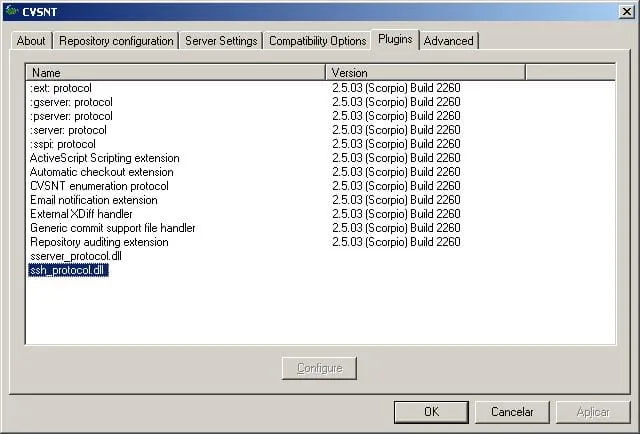
Accessing the repository using the ext (or external) method works slightly differently. Here, CVS uses existing operating system commands to set up a data pipe (or tunnel) between the client and the server. The default version of external CVS uses a program called rsh (which stands for “remote shell”). This is somewhat unfortunate. rsh was developed back when networking meant stringing some cable across the lab and when every network user was a trusted friend. rsh is convenient, but not particularly secure; rsh traffic should never be allowed to enter your network from the public Internet.
Fortunately there’s a secure and plug-compatible alternative, ssh. We strongly recommend that all external access to CVS repositories should be through ssh tunnels. If you want to use rsh for internal access, go ahead. Just make sure that if you’re working in a hotel room and need to access your repository, you switch across to ssh. (The good news here is that because ssh and rsh are compatible, you can use both with the same working copy of the repository, as we’ll see in a minute.)
So, to summarize:
- For internal access, any method works. We recommend using ssh tunneling, simply because you may as well using a single method for all access.
- For regular external access, use ssh tunneling.
- To provide anonymous public access to your repository, use pserver mode.
So, having decided on a connection method, how do you actually use it? To some extent that depends on the tool you’re using. Here we’ll show how you do it from the command line; if you use a GUI tool or IDE, consult its documentation for details for your environment.
…
With ssh mode, you have to be able to log in to your server using a valid user id for that server. This means that every CVS user must correspond to a user account on the server (in Unix terms, you must have an entry in the /etc/password file).
With pserver mode, you have more flexibility. You can set up accounts that correspond to server’s user accounts, or you can set up the server to have CVS-specific user ids which (to some extent) are independent of the operating system’s user accounts. All this mapping of user names is done by the repository administrator (using the file passwd in the repository’s CVSROOT module).
…
Ou seja, o último parágrafo prova que eu estava errado, quer dizer, pserver também pode usar os usuários do sistema operacional, ou usar usuários separados.
De qualquer forma, SSH é melhor. :mrgreen:
:thumbup: